Set the brief
Name the site and inspection. Add the client’s priorities, scope and any access limits.
Keep your photographs, observations and follow-up in one inspection. Use AI to draft a starting point, add your judgement, and deliver a report your client can follow.
See the finished report ↓Android field app · Web dashboard
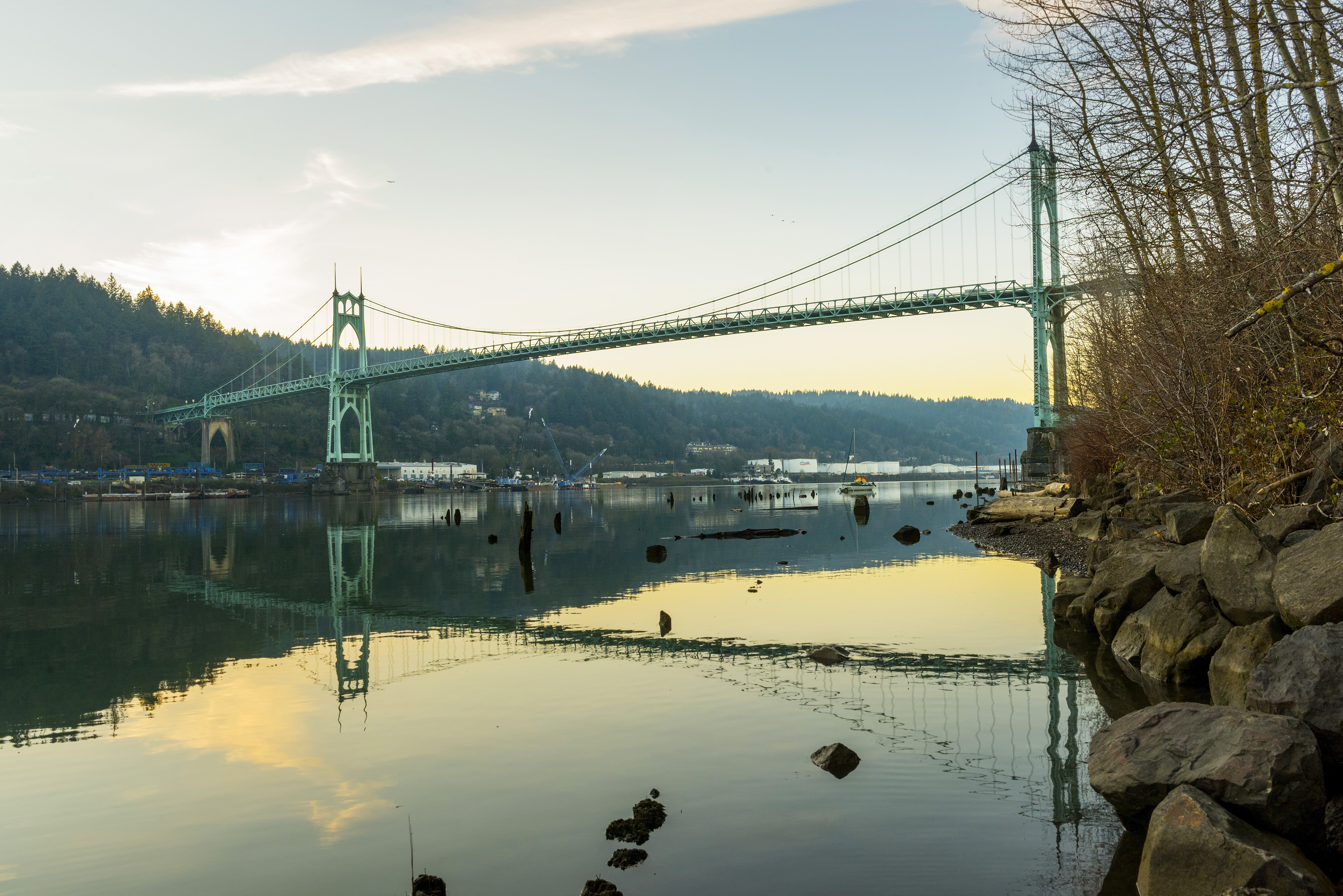
Name the site and inspection. Add the client’s priorities, scope and any access limits.
Keep observations, multiple photos and annotations together. Record what you saw and what needs checking.
Edit AI drafts, confirm your findings and export one complete report. Resume unfinished work from the dashboard.
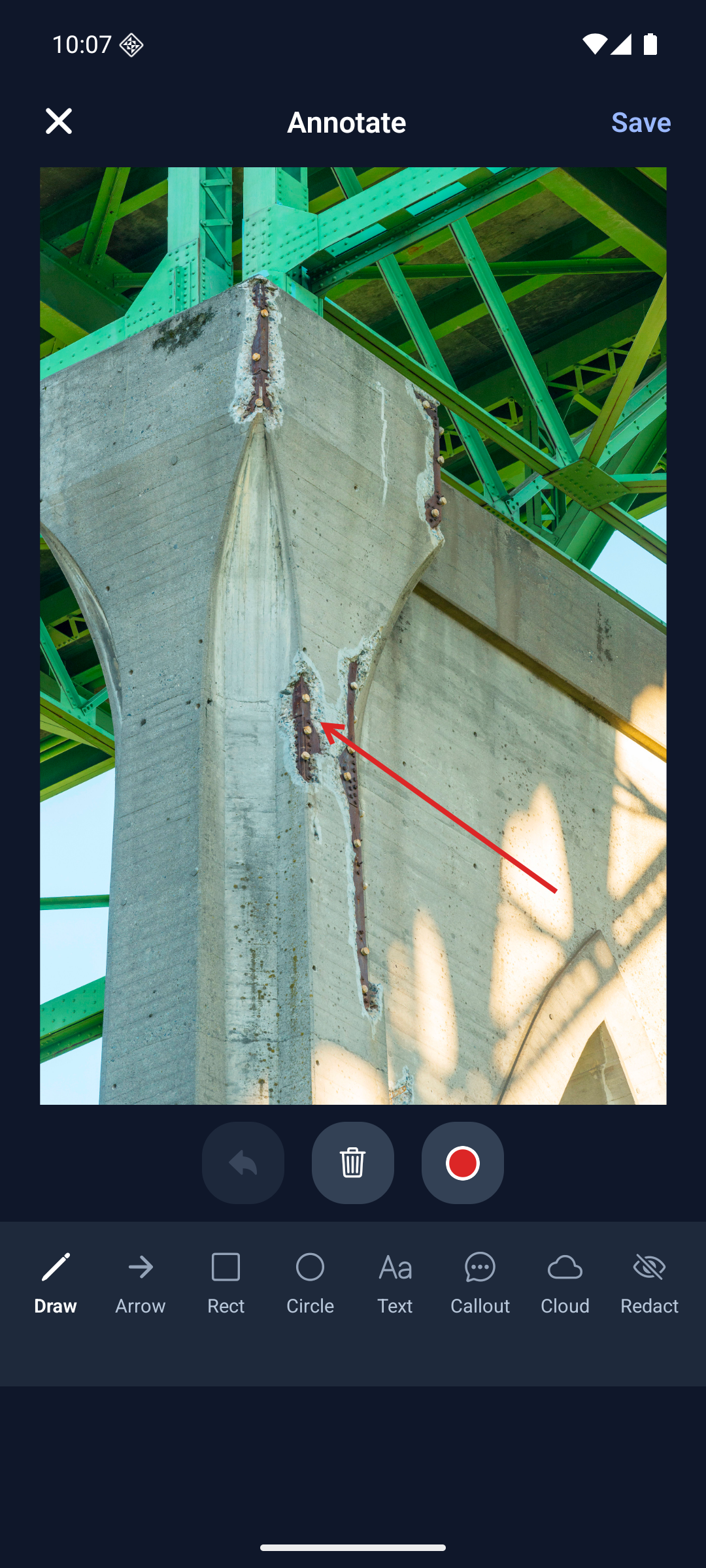
Mark the area of interest, describe its location and tell AI what to focus on. Review the draft before applying it, then keep your own edits beside the original photograph.
AI provides suggested wording from the image and your brief. Measurements, diagnoses and professional conclusions come from your inspection.
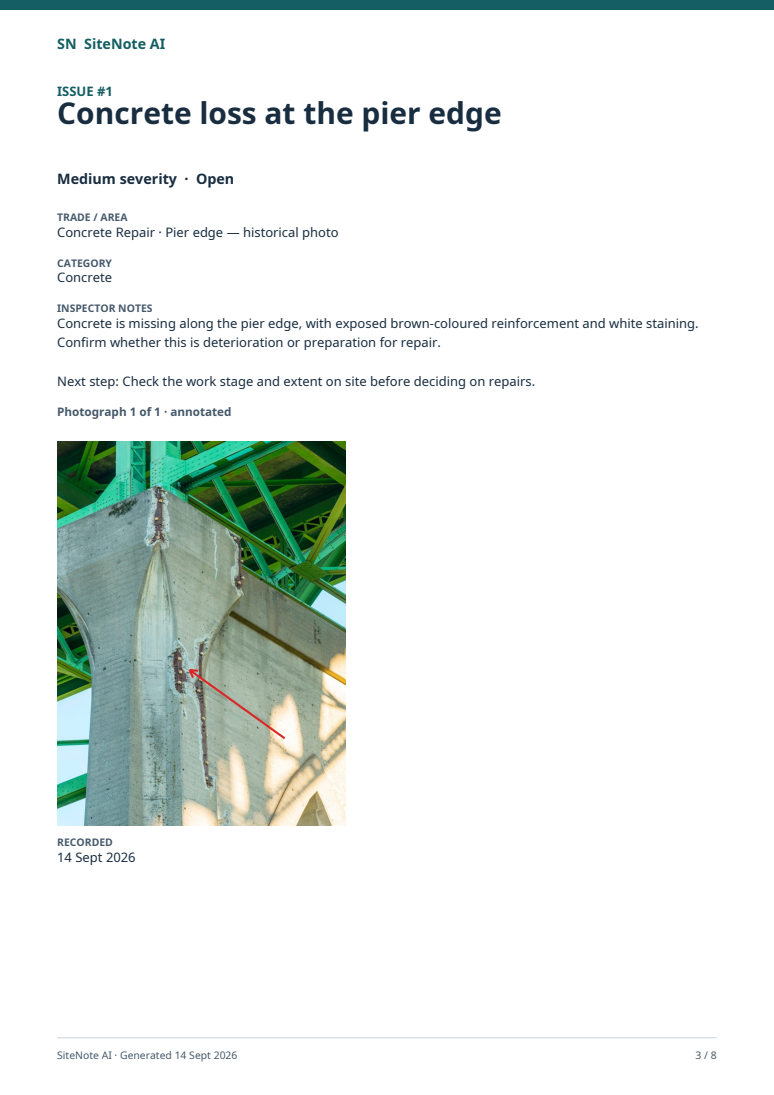
Explore the workflowScope first. Numbered observations, marked photographs and your reviewed notes next. A contents page and summary help the reader find the detail.
8-page demonstration export from the Android app. Historical photos, demo inspector and illustrative notes.
Real Android app footage: set a photo focus, generate a draft, review and edit the wording, then save and reopen the observation. The marked photograph and actual report are shown at the end.
Captioned, silent Android demonstration. Watch the longer portrait edit · Photograph sources and attribution
Editable starting points for health & safety, building and structural, tree and property condition work. Keep your own terminology and only record what the job needs.
Check whether SiteNote AI fits your work →Continue downloaded inspections, record notes and work with locally available photos. Changes wait in the visible sync queue. Check that the records and photos you need are available before leaving a connection.
Sign in, request a new AI draft, download remote photos and sync with the dashboard. The web dashboard needs an internet connection. Reconnect and check the queue before relying on another device's copy.